The mysterious triangle on your Samsung screen: what this icon means
Samsung smartphone users may notice an unusual symbol in the status bar. We explain why it appears and how to restore normal notification functionality.
 🏙️City
Photo: UNIAN
Key points
- The triangle indicates that Data Saver mode is active
- The feature restricts background app activity and notifications
- The mode can be disabled in network settings
Samsung Galaxy users often encounter a mysterious icon featuring a triangle with arrows at the top of their screen. This indicator frequently causes concern, as it resembles a warning sign, and the device begins to behave unexpectedly: notifications from messengers and email stop arriving on time.
Why notifications disappear
In reality, this symbol does not indicate a malfunction or a security threat. It signals that the "Data Saver" mode is active. In Samsung's One UI, this mode is represented by a triangle, whereas standard Android uses a different icon. The feature restricts background mobile data access for apps to save data usage.
As a result, apps do not refresh automatically until you open them. While this feature is useful when roaming or using limited data plans, it can be inconvenient in daily life.
How to restore normal operation
If you accidentally activated this mode via settings or the quick access panel, it can be easily turned off. Simply go to your network settings and deactivate the "Data Saver" feature. Users also have the option to set exceptions for specific apps, ensuring important messages arrive even when the data saver is active.
Source UNIAN — unian.ua/techno/software/trikutnik-u-ryadku-stanu-samsung-shcho-ozn… ↗
Read next
 👥Society
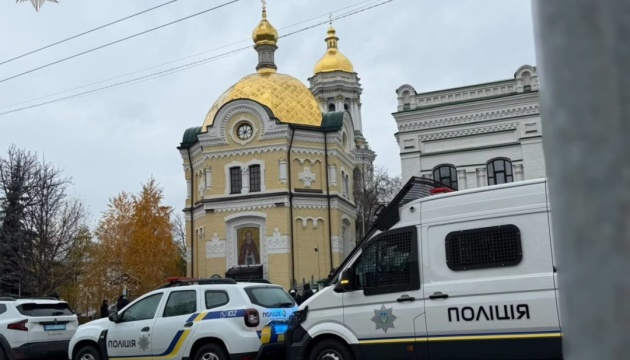
Clashes at Kyiv Pechersk Lavra: Police Launch Investigation
Law enforcement officers intervened in a conflict that broke out between individuals on the grounds of the Kyiv Pechersk Lavra National Preserve.
 🛡️Security
Major fire breaks out at oil refinery in Russia's Rostov region
On the night of November 23, the Novoshakhtinsk oil refinery was hit by a massive drone attack, causing a large-scale fire.
 🛡️Security
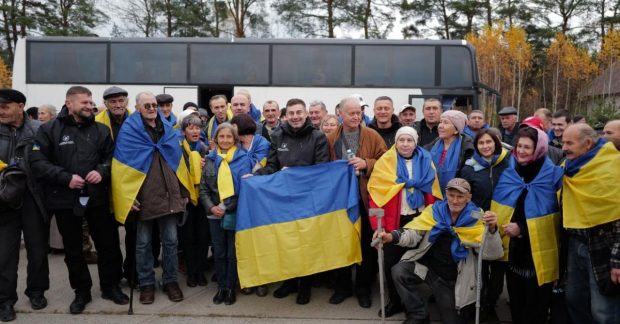
Civilian Evacuation and Humanitarian Corridors: An Analysis of Proposals
ISW analysts explain why ceasefire initiatives in the Donetsk and Kherson regions differ in feasibility due to the geographical features of the front line.
 🛡️Security
Another Attack Reported on Novoshakhtinsk Oil Refinery in Rostov Region
In the early hours of November 23, a significant oil processing facility in the Russian town of Novoshakhtinsk was hit.
 🚨Events
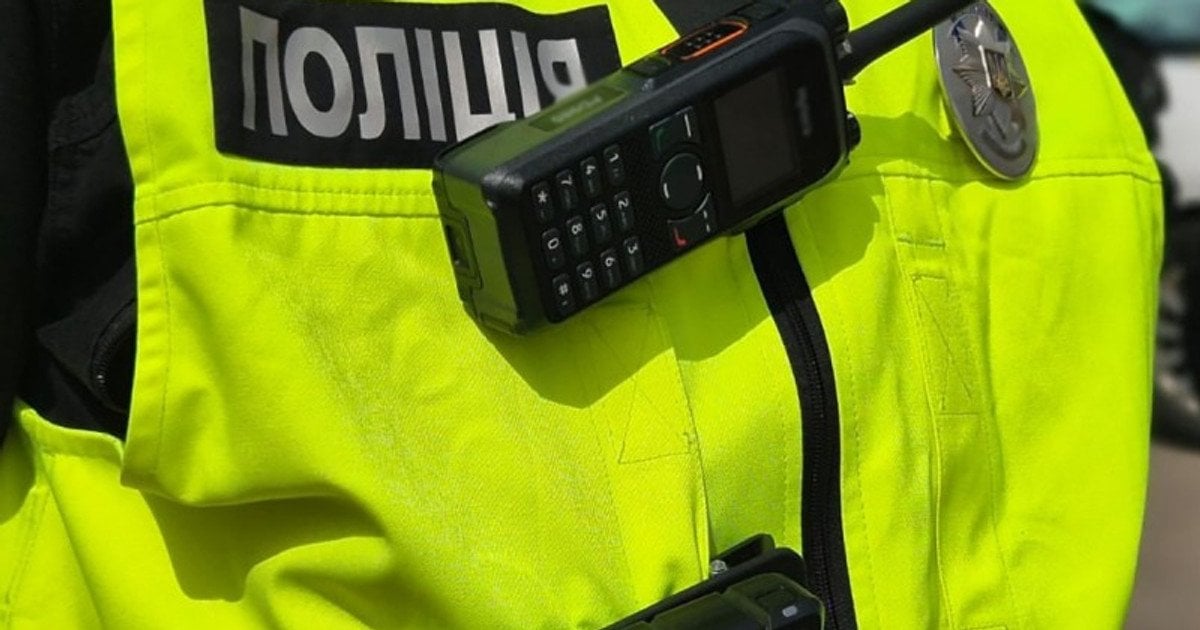
Special police operation launched in Kharkiv following fatal shooting
A shooting occurred in Kharkiv on the evening of November 22, resulting in the death of a man. Police have initiated a special operation to apprehend the suspects.
 🛡️Security
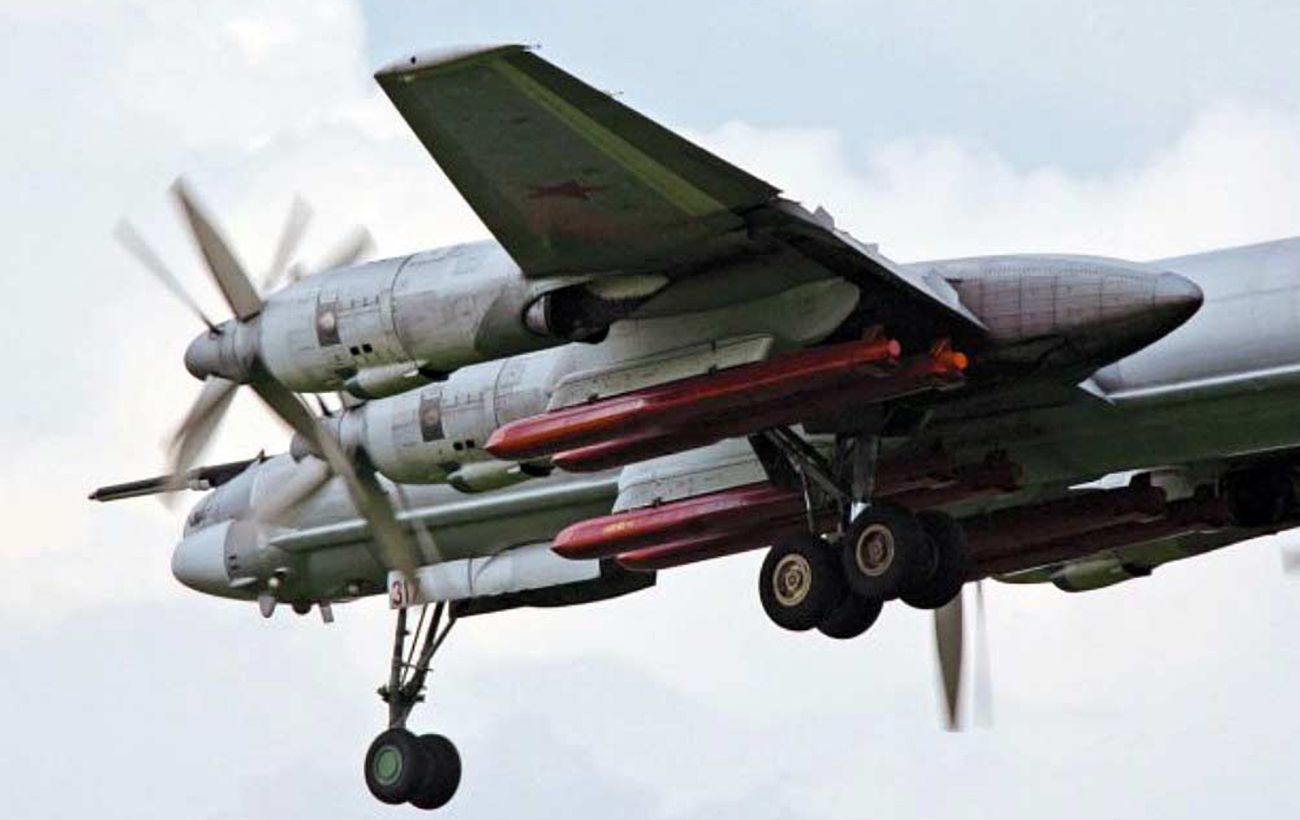
Fragments of Russian Kh-101 missiles produced in late 2026 found in Poland
Debris from Russian cruise missiles, manufactured just weeks ago, has been discovered in eastern Poland. NATO has convened an emergency meeting to address the security of…